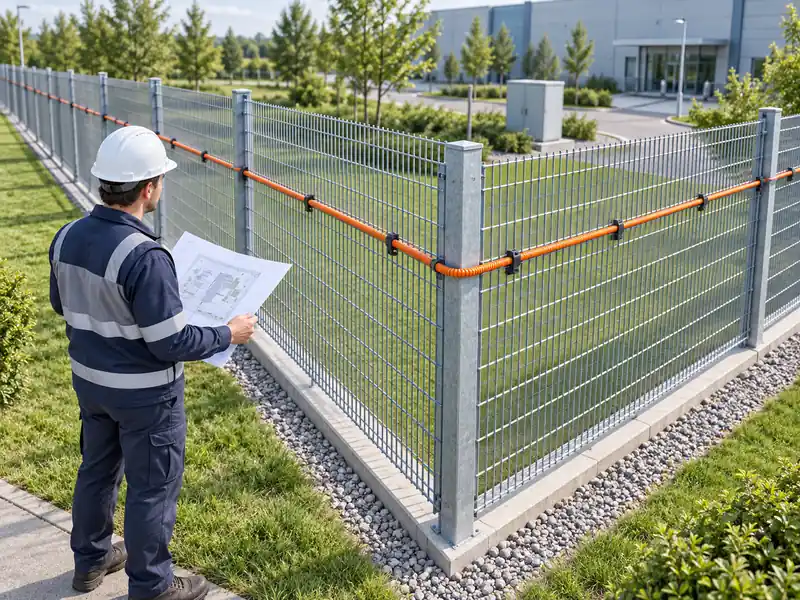
Laser beam detectors protect factories, substations, warehouses, airports, solar farms, and other outdoor sites by sending an alarm when beams are blocked.
Common commissioning issues, such as unstable signals or false alarms, usually come from poor alignment, weak fixing, wrong settings, cable problems, or incomplete testing.
This guide covers beam alignment, signal strength, alarm settings, false alarm causes, system testing, and final inspection.
What Signal Strength Is Considered Qualified?
Signal strength is one of the most important indicators during laser beam detector alignment. If the receiver cannot receive a stable beam signal, the detector may trigger false alarms or fail to detect real intrusions.
In many installations, the basic recommendation is that the receiver signal strength should not be lower than 50%. This level can usually support normal operation under basic conditions. However, for real outdoor perimeter security projects, a higher standard is recommended.
For better stability, it is safer to adjust the signal strength to 70% or above. A stronger and more stable signal provides better resistance against wind, vibration, dust, light interference, and slight installation movement. This is especially important for outdoor fences, long-distance beam protection, substations, industrial sites, and areas with changing weather.
| Signal Strength | Installation Meaning | Recommendation |
| Below 50% | Weak signal, high risk of missed alarms or false alarms | Re-align immediately |
| Around 50% | Basic qualified level | Acceptable for short-distance indoor use |
| 70% or above | More stable signal reception | Recommended for outdoor projects |
| Very high but unstable | Possible reflection or off-center receiving | Check angle and surrounding objects |
When aligning the beam, test the signal several times from different positions. Do not rely on one quick reading. The best result is not only a high value, but also a stable value.
Correct Way to Start Alignment Mode
Before adjusting the beam direction, the transmitter and receiver should enter the correct debugging mode. Many installation problems happen because the device is not in the right setting mode.
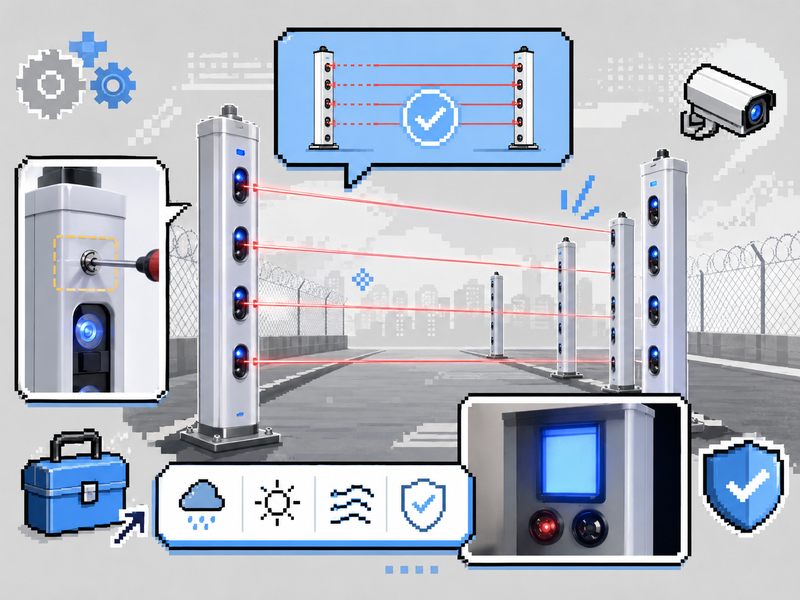
On the transmitter side, use the mode switch button to enter alignment mode. Usually, the installer needs to press and hold the mode switch button for several seconds until the device enters the correct mode. After entering alignment mode, the visible laser helps the installer make a rough visual alignment.
This visible beam is useful for the first adjustment. It allows the installer to confirm whether the transmitter is generally pointing toward the receiver. However, visual alignment is only the first step. Final adjustment must still depend on the receiver signal strength display.
On the receiver side, enter the settings menu and switch to the signal strength display interface. In many devices, this is done by pressing the setting button for several seconds, then using the function switch button to select the correct menu. Once the receiver displays signal strength, the installer can adjust the transmitter until the signal becomes stable.
How to Adjust the Transmitter Beam Position
After entering alignment mode, the next step is to adjust the transmitter beam position. The transmitter usually has beam adjustment holes or internal adjustment screws. The beam direction can be easily adjusted using a Phillips screwdriver.
The beam should be adjusted in two directions:
- Horizontal direction, also called the X-axis adjustment
- Vertical direction, also called the Y-axis adjustment
The goal is to make each laser beam accurately reach the receiver’s sensing area. For multi-beam laser detectors, each beam should be adjusted one by one. After one beam is completed, switch to the next beam and continue adjustment until all beams are properly aligned.
During adjustment, do not move too quickly. Small changes in the screw position may cause large changes in the beam angle, especially for long-distance installations. Adjust slowly, observe the receiver signal, and stop when the signal reaches a stable high level.
| Adjustment Step | Operation | Key Point |
| Step 1 | Enter transmitter alignment mode | Use a visible laser for rough aiming |
| Step 2 | Adjust X-axis | Move the beam left or right |
| Step 3 | Adjust Y-axis | Move beam up or down |
| Step 4 | Check the receiver display | Confirm stable signal strength |
| Step 5 | Switch to the next beam | Repeat until all beams are aligned |
For outdoor projects, installers should also check whether the transmitter and receiver are firmly mounted. If the pole, bracket, or base is loose, the signal may change after wind or vibration.
Receiver Settings: How to Read Signal Strength
The receiver is the key device for confirming alignment quality. Even if the beam looks visually correct, the receiver display should be used as the final reference.
After entering the setting interface, switch to the signal strength page. The receiver should show the current beam mode, light level, or signal percentage. During alignment, observe whether the value rises or drops while adjusting the transmitter.
A good alignment result should meet three conditions:
- The signal strength is high enough.
- The signal value is stable.
- The alarm status does not flash randomly.
If the receiver display changes sharply, the beam may not be centered correctly. It may also be affected by reflection, unstable mounting, blocked lens, or incorrect beam height.
After adjustment, exit the setting mode and return the device to working mode. Some laser beam systems allow the transmitter and receiver to switch automatically after debugging. In this case, the installer does not need to manually change the receiver mode again.
Important Parameter Settings for Stable Operation
Correct parameter settings are just as important as physical alignment. Even if the laser beam is aligned correctly, wrong parameters can still cause false alarms or missed alarms.
1. Beam Blocking Logic
Many laser beam detectors support multi-beam alarm logic. The default setting may require two adjacent beams to be blocked at the same time before triggering an alarm. This helps reduce false alarms caused by insects, falling leaves, birds, or small objects.
The beam blocking logic for high-security places should be chosen based on the degree of risk. If the system is too sensitive, false alarms may increase. If it is too loose, small intrusions may be missed.
2. Trigger Time
Trigger time means how long the beam must be blocked before the detector sends an alarm. A short trigger time makes the system more sensitive, but it may also increase false alarms.
A common default value is around 200 ms. For outdoor environments with wind, leaves, birds, or dust, a practical setting such as 500 ms may be more stable. This can reduce unnecessary alarms caused by short and accidental obstruction.
3. Alarm Duration
Alarm duration controls how long the alarm output lasts after the detector is triggered. A common default value is about 3 seconds. This can be adjusted based on the alarm host, security platform, siren, or linked camera system.
| Parameter | Common Setting | Practical Advice |
| Beam blocking logic | 2 adjacent beams | Reduces false alarms |
| Trigger time | 200 ms default | 500 ms recommended for outdoor sites |
| Alarm duration | 3 seconds | Adjust based on alarm host requirements |
| Signal threshold | Above 50% | 70% or higher is more stable |
Some parameters can also be configured through PC software, which is more convenient for large projects or multiple detector lines.
Why False Alarms Happen Even When Signal Strength Is High
One common question is: why does the system still generate false alarms when signal strength is already above 70%?
The reason may be that the signal is too strong because of reflection, not because the beam is perfectly aligned. In some sites, the laser may reflect from walls, metal surfaces, glass, fences, or nearby structures. The receiver may still show high signal strength, but the signal path is not clean and direct.
For example, in railway substations or industrial sites, reflective surfaces may cause the receiver to detect indirect light. When site conditions change, the reflected signal may fluctuate, leading to false alarms.
The solution is to check whether the receiver is exactly facing the transmitter and whether there are reflective objects near the beam path. In some cases, slightly adjusting the receiver away from the reflection center can improve stability. The goal is not just to get the highest number, but to receive a clean, stable, direct beam signal.
System Testing Before Final Delivery
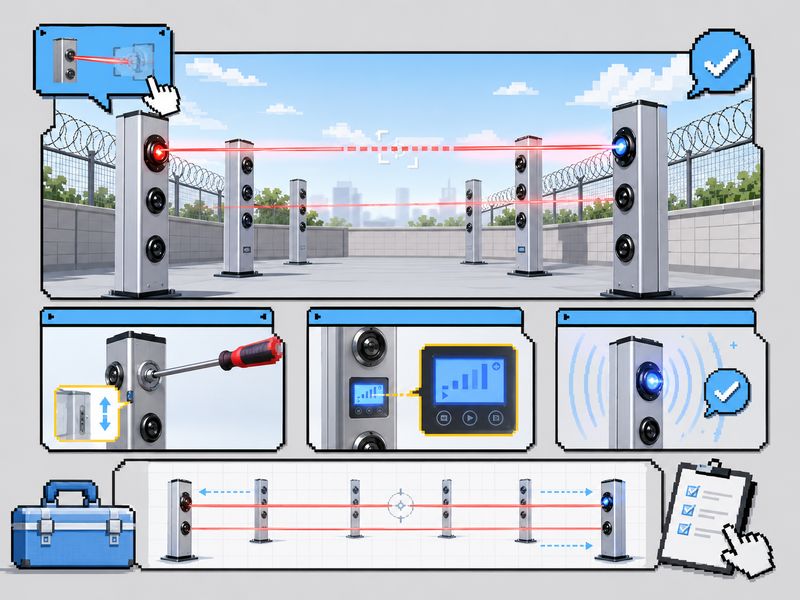
After alignment and parameter setting, installers should complete a full system test. Testing should not only check whether the detector can alarm, but also whether the alarm is accurate, stable, and correctly transmitted to the host system.
Basic Obstruction Test
Use a board or similar object to slowly and quickly block the beam. The receiver should trigger an alarm immediately when the beam is blocked according to the parameter setting. The beam indicator should change, and the alarm output should respond correctly.
Different Height Test
Test beam blocking at different heights. This confirms that all beams are active and properly aligned. It also helps detect whether any beam is missing, weak, or blocked by site objects.
Anti-Interference Test
Use reasonable site simulation methods to check whether the system is affected by reflection, mist, dust, or nearby interference. The system should not trigger random alarms during normal environmental changes.
Alarm Host Connection Test
Connect the detector to the main alarm system through RS485, TCP/IP, or other supported communication methods. After the beam is blocked, the host should receive the correct alarm signal. If the alarm does not appear on the platform, check wiring, address settings, communication protocol, and power supply.
| Test Item | Operation Method | Expected Result |
| Obstruction alarm | Block the beam with a board | Receiver alarms and indicator changes |
| Different height test | Block beams at different heights | All beams respond correctly |
| Anti-interference test | Simulate light or weather interference | No random false alarm |
| Host connection test | Connect through RS485 or TCP/IP | An alarm appears on the platform |
Final Installation Checklist
Before finishing the project, complete a final inspection. This step is simple but very important.
Check whether all screws, brackets, and bases are tightened. Loose mounting may cause the beam direction to shift later. Check whether the waterproof cover is sealed and whether cable entry points are properly protected. Outdoor detectors must be protected against rain, dust, and moisture.
The lens should be clean. If dust, fingerprints, oil, or water stains cover the lens, signal strength may drop over time. Gently clean the lens using a lint-free cloth.
Cables should be fixed neatly and should not be pulled tightly. Cable movement may affect terminals, waterproof sealing, or communication stability.
Final checklist:
| Inspection Point | Requirement |
| Screws and base | Firmly tightened |
| Waterproof cover | Properly sealed |
| Cable entry | Sealed and protected |
| Lens surface | Clean and clear |
| Cable routing | Fixed neatly, no pulling |
| Signal strength | Stable and qualified |
| Alarm test | Passed |
| Host communication | Normal |
Laser beam detector debugging is simple when the right method is followed. Stable beam alignment, accurate parameters, and complete testing are the key points.
For reliable perimeter security, check receiver signal strength, adjust each beam, avoid reflection issues, test different blocking conditions, and verify alarm host communication.
A qualified installation should achieve stable alignment, correct settings, and full testing to reduce false alarms, improve detection accuracy, and ensure long-term protection.