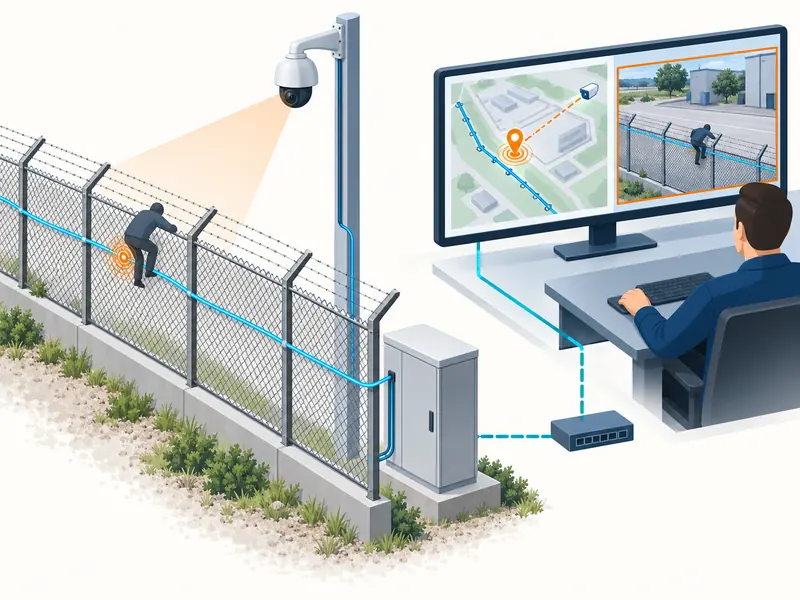
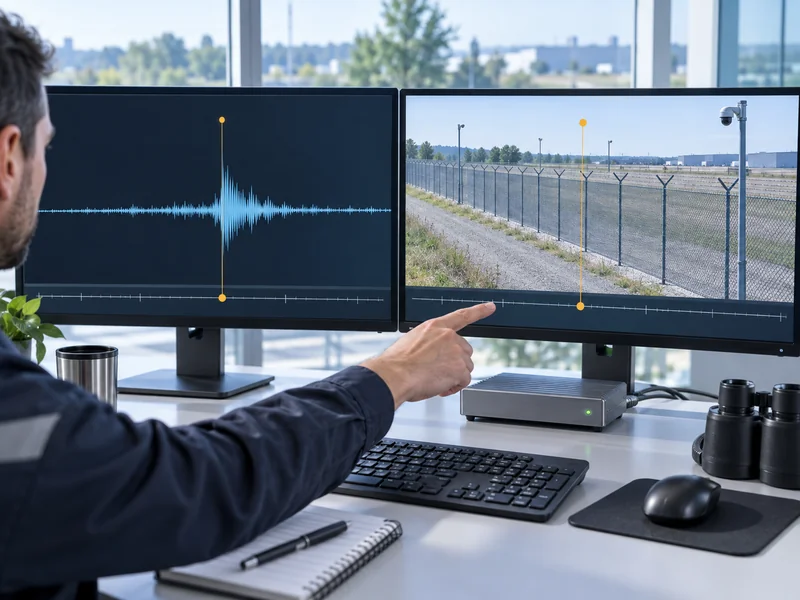
A DAS system and its video platform need a known, monitored time relationship so an alarm can be compared with the correct footage. Use a supported common time reference, document what each timestamp represents and verify the alignment with a controlled event. Matching the clock displays once is insufficient if drift, time-zone conversion or recording delays later change the relationship.
For a distributed acoustic sensing security system, accurate location information is only part of effective verification. The operator also needs the right time window. This guide addresses event chronology and video alignment rather than repeating the wider integration design.
Which Times Exist in a DAS Alarm Chain?
The physical disturbance, instrument alarm, server receipt and video presentation may each have separate timestamps. A time attached to a message is not necessarily the instant when the disturbance started. Record the meaning of every field used to join the evidence.
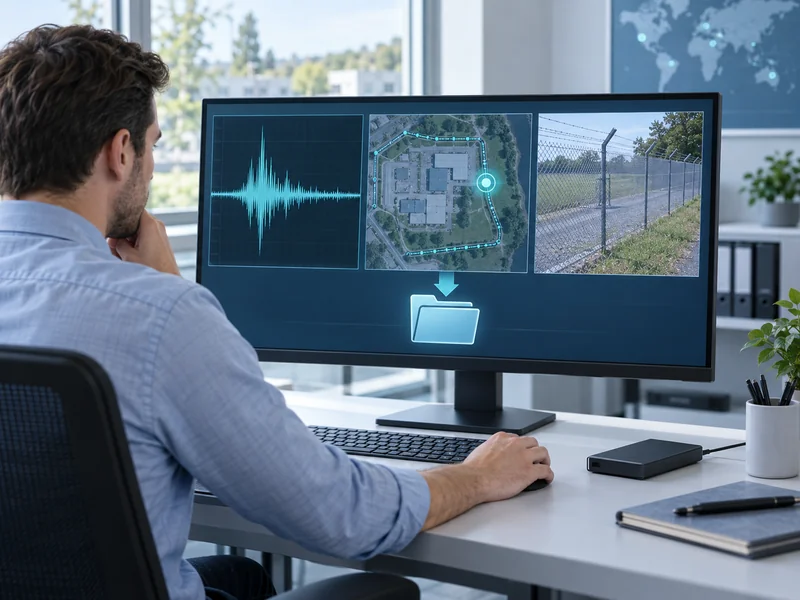
A camera can also expose more than one relevant time, including a displayed overlay, a stream timestamp and a recorder’s indexing time. These can behave differently after a network interruption or a clock adjustment. An overlay that looks correct does not automatically prove the archive is indexed correctly.
| Time Field | Question to Resolve | Verification Evidence |
| DAS event time | Does it mark onset or qualification? | Supplier definition and event export |
| Platform receipt time | Is it added by the receiving server? | Integration log and server clock |
| Video time | Which clock controls archive lookup? | Recorder settings and retrieved clip |
| Operator action time | Which system records acknowledgment? | Audit history and workstation settings |
Keep the original event time when the supported interface allows it, alongside receipt time where useful. Their difference can reveal a delivery delay. Replacing one with the other may remove information needed to reconstruct an incident.
What Time Reference Should the Site Use?
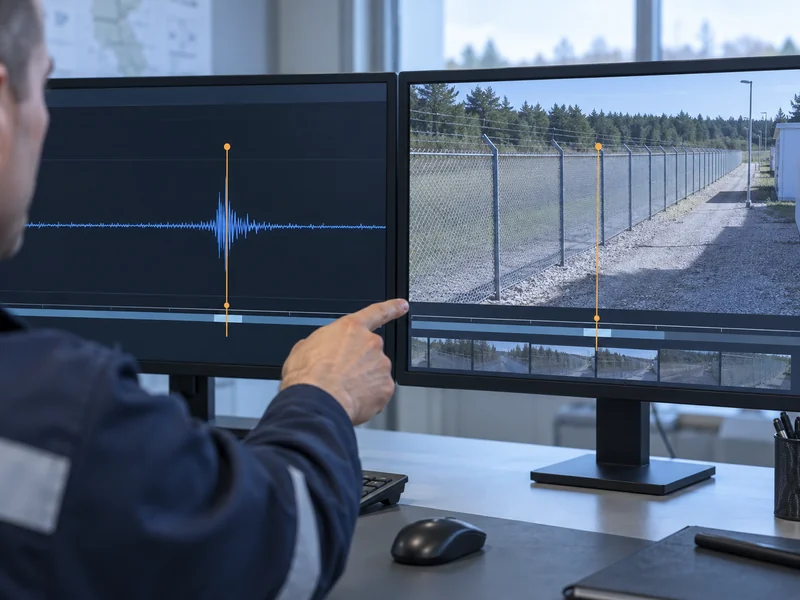
Use a reference supported by the equipment and approved for the site’s network design. The important requirements are a consistent time basis, adequate accuracy and a way to detect loss of synchronization. The exact service and topology should be agreed with the responsible network team.
NIST’s public time-service guidance describes network time distribution, while its log-management guidance explains why consistent timestamps matter across systems. Those principles support a common reference but do not prescribe a universal implementation for every security installation. Restricted networks may require an approved internal service rather than direct access to an external server.
Is UTC Always Required on the Operator Screen?
The operator display can use the site’s chosen local time if the system preserves an unambiguous time basis and conversion. Records exchanged between systems should identify their offset or use another agreed representation. A bare local timestamp can become ambiguous when seasonal clock changes repeat an hour.
Document display time separately from storage and interchange time. Staff may prefer a familiar local clock while investigators need a consistent basis for comparing exports. Both needs can be addressed without silently changing the original evidence.
How Should Alignment Be Tested at Commissioning?
Create an approved event that can be identified in both the DAS evidence and the camera recording. Preserve the physical event marker, the alarm record and the retrieved video. Then compare the intended event with the actual archive segment opened by the integration.
A controlled visible action near a representative sensing section can be useful when it produces the agreed DAS stimulus. The method must remain safe and suitable for the installation. The site acceptance testing guide provides broader context for coordinating controlled demonstrations.
- Record the time reference and synchronization status of each participating device.
- Confirm the event-time field used by the integration.
- Record a controlled stimulus with a clear visual marker.
- Export the matching DAS alarm and platform record.
- Open the video through the normal operator workflow.
- Confirm that the required pre-event and post-event interval is available.
- Record the observed offset and the uncertainty of the comparison.
Use the normal archive retrieval path rather than proving only that live video is available. A live camera can appear healthy while historical lookup uses the wrong time basis. Acceptance should cover the function operators will depend on during an investigation.
How Much Misalignment Is Acceptable?
The permissible offset depends on the verification task, camera view, event duration and required evidence detail. Agree on the allowable DAS-to-video offset together with the precision and limitations of the proposed comparison. There is no single suitable tolerance for every DAS installation.
For a brief event, a narrow automatically selected clip may miss the relevant action even when the alarm and camera appear broadly aligned. A wider retrieval window can provide operational margin, but it does not correct the clock error. Treat window selection and synchronization quality as separate decisions.
An illustrative site might require the alarm-linked clip to include the approach, the controlled disturbance and the departure. The test would verify that sequence using the agreed offset allowance. It would not justify claiming millisecond accuracy from a visual comparison alone.
What Happens When a Device Loses Its Time Source?
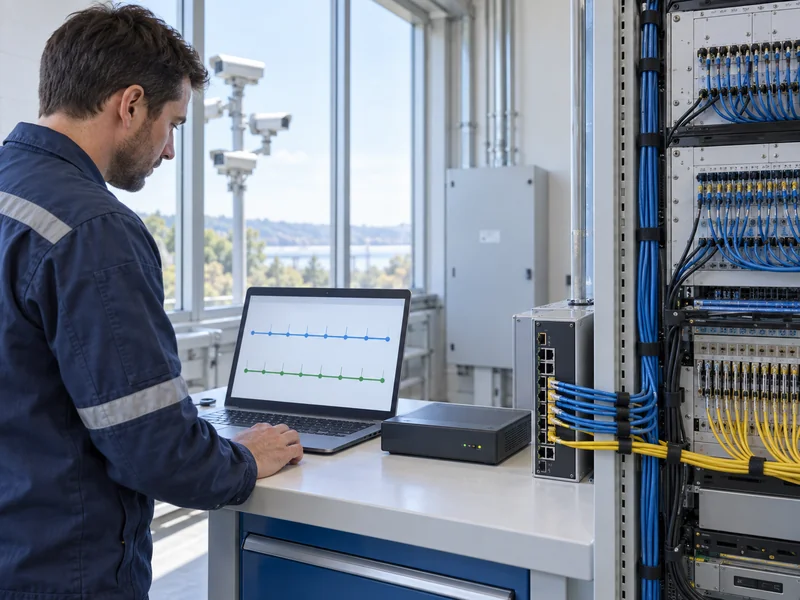
The device may continue using its local clock, report an unsynchronized state or follow another supported behavior. Confirm the actual behavior for the delivered equipment. Continued event generation does not prove continued timestamp accuracy.
Where synchronization status is exposed, decide how the site will monitor and escalate it. Include the affected devices and the duration of the condition in the operational record. Investigators then know when timestamps require additional caution.
- Identify which service loss creates a synchronization warning.
- Confirm whether the device continues recording during the condition.
- Observe how its clock behaves over an approved test interval.
- Check what happens when the time reference returns.
- Retain evidence of any discontinuity or corrected offset.
Do not deliberately interrupt a shared time service without an approved test plan. A representative environment or a limited device-level test may provide the needed evidence. The objective is to understand failure behavior without creating unrelated operational problems.
How Can Clock Errors Be Distinguished from Delivery Delay?
Compare source timestamps, receipt timestamps and an independent event marker. A consistent offset across many events can suggest a clock or conversion issue. Variable receipt intervals with stable source alignment can suggest transport or processing delay, although the full evidence still needs review.
The article on DAS, CCTV and VMS integration explains the surrounding interfaces. For a centralized security platform, ask which original fields are retained and which timestamps the platform adds. This avoids drawing conclusions from two records that actually describe different milestones.
Also examine date format, time zone and daylight-saving configuration before assuming a network fault. A conversion error can shift every event by a large fixed interval while delivery remains prompt. Preserve the original export before applying a correction for analysis.
What Should Operators Do When Video Appears Unrelated?
Follow the site’s response procedure while checking whether the selected camera and time window are correct. An apparently empty clip does not by itself prove a false DAS alarm. The footage may be offset, incomplete or linked to the wrong view.
Record the alarm identifier and the clip retrieval details for technical follow-up. The guide to common DAS problems can support a wider investigation. Keep the immediate security response distinct from later diagnosis of the evidence chain.
Which Changes Require Another Alignment Check?
Repeat the relevant check after recorder replacement, platform migration, time-service changes or software updates affecting timestamps. Include seasonal conversion behavior where local-time displays are used. A restored configuration should also be checked against the current network time design.
Keep the time-source diagram, field definitions and baseline comparison in the handover pack. Assign ownership for time health across the sensing, network and video teams. Consistent chronology makes alarms easier to verify and incident evidence easier to interpret.