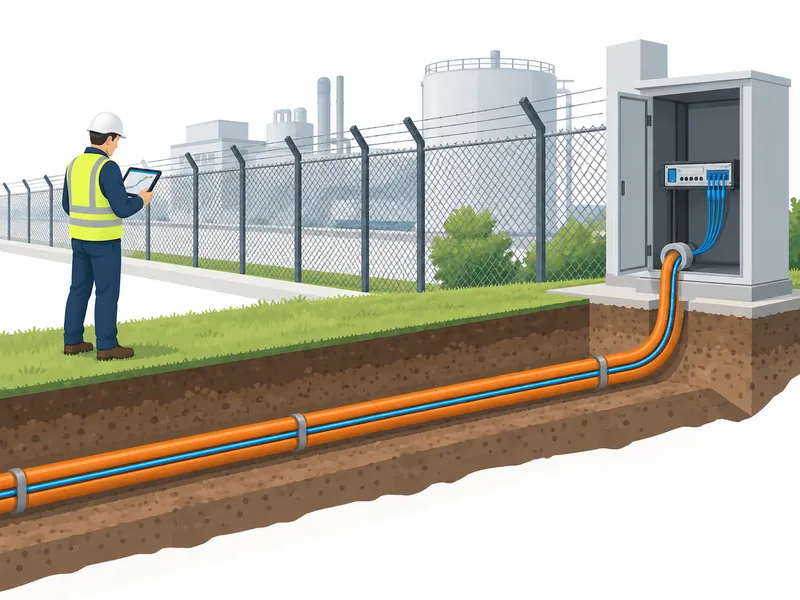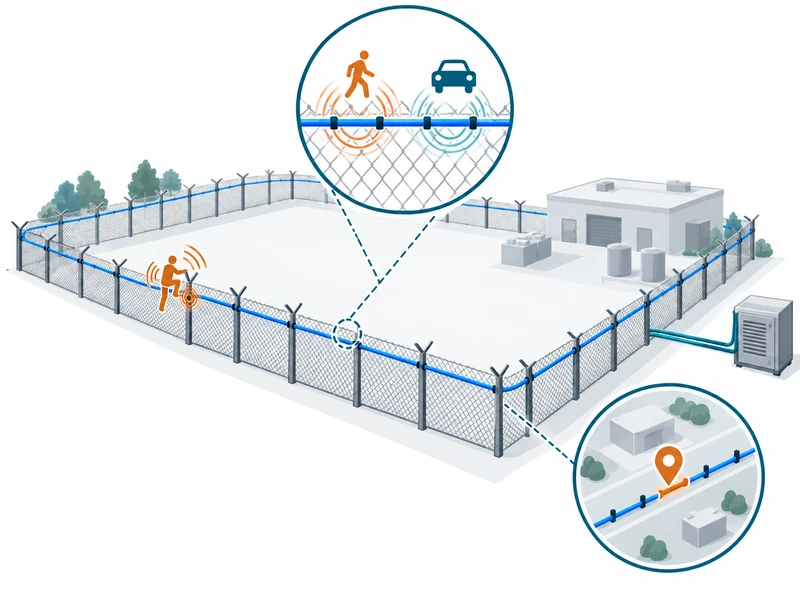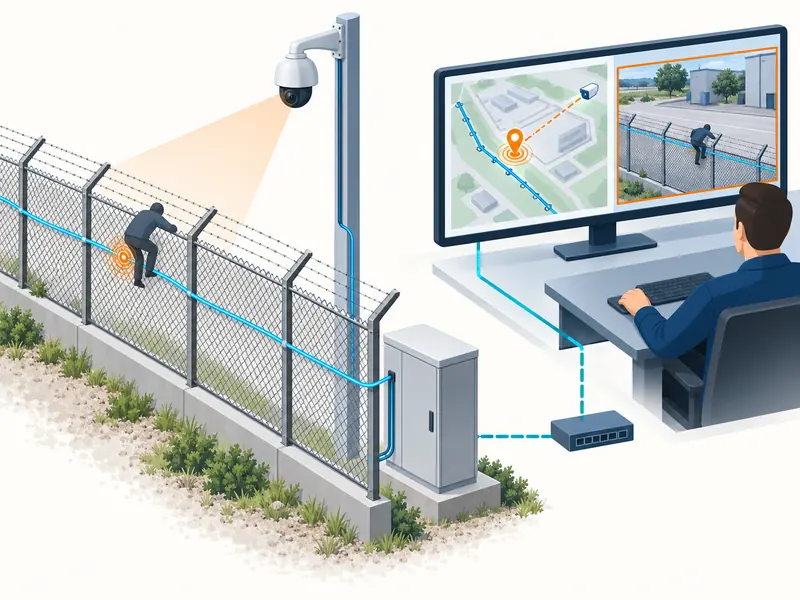
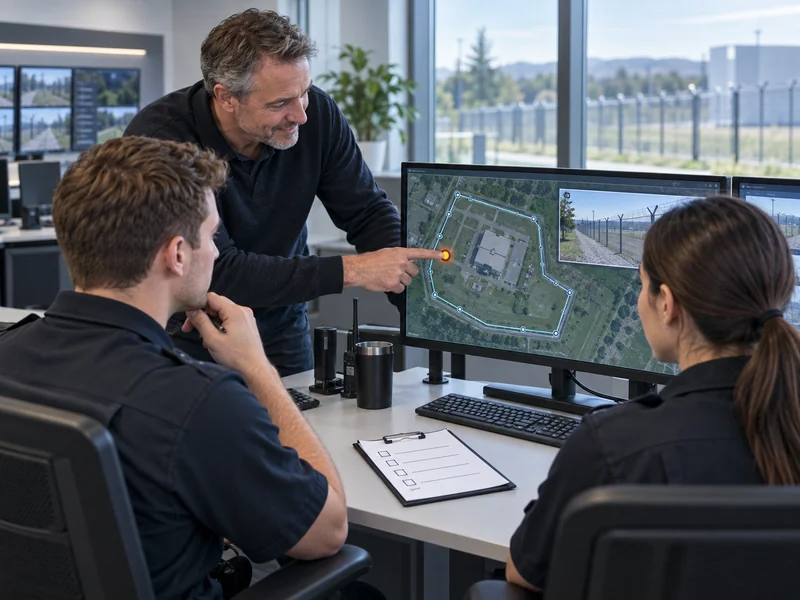
A fiber optic perimeter security handover should train operators to recognize system health, locate alarms, verify events and follow the site’s escalation procedure. Use practical exercises on the delivered interface and review real operating experience during the first month. Attendance at a presentation does not by itself demonstrate that a shift team can manage the system.
For a fiber optic perimeter intrusion detection system, the operational objective is an informed response to usable alarm information. Operators do not need to become sensing engineers, but they do need to understand the meaning and limits of the information they see. This guide focuses on the initial operational handover rather than technical commissioning.
What Should Operators Be Able to Do Before Taking Over?
They should be able to identify the protected area, distinguish alarms from faults and follow the approved response workflow. They also need to recognize when a part of the route is unavailable or under maintenance. These abilities connect the technical system to the site’s daily security responsibility.
Build training around the actual zone names, cameras and access routes. Generic demonstration screens can introduce concepts, but they do not establish familiarity with the installed site. Use the accepted configuration as the reference for exercises.
- Read overall system health and relevant coverage limitations.
- Locate an alarm on the site map and identify the affected boundary.
- Open the associated verification view where supported.
- Acknowledge and document an event according to procedure.
- Escalate alarms, faults and uncertainty to the correct role.
- Hand unresolved conditions to the next shift.
Define what operators may change and what requires a maintainer or supervisor. Familiarity with the interface should not imply authority to alter detection settings. Clear role boundaries protect the approved operating configuration.
How Should Alarm and Fault States Be Explained?
Explain each state in terms of the action it requires, using the delivered system’s terminology. An intrusion alarm, a cable fault and an unavailable receiving connection describe different conditions. Acknowledging a message may record operator awareness without resolving its underlying cause.
For a central alarm management interface, demonstrate the supported event lifecycle from creation to final disposition. Identify which states are generated automatically and which require an operator action. Do not assume that clearing a screen restores the physical system.
| Training Scenario | Operator Task | Evidence of Understanding |
| New perimeter alarm | Locate, verify and escalate as required | Correct area and response path identified |
| Route fault | Recognize the affected coverage | Limitation recorded and reported |
| Maintenance activity | Apply the approved work context | Unrelated protection remains understood |
| Unresolved shift-end event | Transfer responsibility | Next shift receives a complete record |
Keep the examples specific enough to test decisions without exposing unnecessary sensitive site details in general training materials. Store detailed route information through the site’s normal controlled process. The training pack should remain usable by authorized staff after the installer leaves.
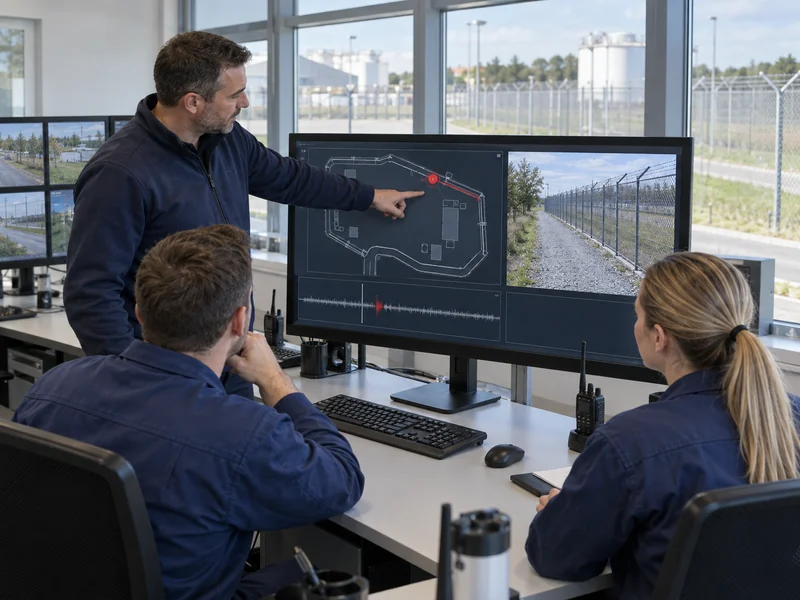
Which Practical Exercises Should Be Included?
Use controlled demonstrations that reproduce the normal operator workflow and the important fault conditions. Coordinate them with security operations and mark test activity through the approved process. The purpose is to observe competent handling, not to surprise staff during live duty.
The perimeter acceptance-testing guide provides context for safe, documented demonstrations. Operator exercises can use selected accepted events while focusing on location, interpretation and response. Record whether the participant completed the task without prompting.
- Present a controlled alarm from a known section.
- Ask the operator to identify the location and relevant response instruction.
- Verify the associated camera or other approved evidence.
- Record acknowledgment and the decision taken.
- Present a separate system-health condition.
- Ask for the correct escalation and coverage record.
- Complete a short handover of an unresolved condition.
Repeat exercises across shifts so the handover does not depend on one experienced person. Include supervisors who will review uncertain events or authorize operational changes. Their decisions are part of the response chain.
Should Operators Interpret Raw DAS Waveforms?
Only to the extent required by their role and the supported operating procedure. A waveform can help a trained specialist investigate an event, but amplitude alone does not establish the severity or intent of a disturbance. Routine response should follow the approved alarm information and verification method.
Explain that the fiber senses disturbance through its installed mechanical environment. Similar events can produce different signals at different locations. This helps operators avoid treating a visually small signal as automatically unimportant.
How Should Location and Camera Verification Be Taught?
Use physical landmarks and the operational zone names that staff will actually encounter. Demonstrate how a map marker relates to the fence, access point or corridor. A correct optical position is useful only when the response team can translate it into a reachable place.
The guide to DAS alarm zoning explains the connection between detection areas and response. For training, verify that the labels on the map, radio procedure and field signs are consistent. Resolve mismatches before they become habits.
Where video is linked, show both live verification and archive retrieval if they are in scope. An unrelated clip can result from a wrong camera, a time offset or missing footage. The DAS integration guide provides background for the supporting interfaces.
What Should Happen During the First Week?
Provide an accessible support route and review how the accepted system behaves during normal site activity. Operators should record uncertainties using a consistent event identifier and description. This allows maintainers to investigate actual evidence rather than reconstructing a vague recollection.
Keep routine feedback separate from immediate security escalation. A confusing label can enter the improvement log, while a loss of required coverage needs the operational response defined by the site. Staff should know which route applies without waiting for the weekly review.
- Confirm every shift can access the operating instructions.
- Check that contact and escalation details are current.
- Review unresolved faults and temporary restrictions daily.
- Collect examples of unclear location or event presentation.
- Record requested changes without making informal adjustments.
An illustrative first-week review might identify two location labels that staff repeatedly confuse. The team could revise those labels through change control and repeat the relevant exercise. That is a focused operational improvement, not evidence that the sensing technology failed.
How Should Nuisance Events Be Reviewed?
Collect the event identifier, location, time and available verification evidence before classifying a recurring disturbance. Operator feedback is valuable, but unexplained events should not be dismissed solely because they are frequent. Review the site activity and installation context with the responsible technical team.
A request to reduce nuisance activity should retain the original detection objective. Record any approved tuning, its reason and the checks performed afterward. Operators need to know when a configuration change affects their interpretation of the display.
Do not make informal sensitivity changes part of normal shift practice. Repeated unrecorded adjustments make it difficult to compare performance or restore an approved baseline. The first month is an opportunity to establish disciplined feedback rather than accumulating undocumented workarounds.

What Should the Month-End Review Decide?
Review training completion, unresolved issues, fault handling and the quality of event records. Check whether the shift teams can demonstrate the required tasks consistently. The calendar date alone should not close outstanding operational gaps.
Agree on the owner and due date for remaining actions, including documentation corrections and additional exercises. Confirm that any temporary commissioning arrangements have been removed or formally retained. Preserve the current approved procedures and configuration references.
Which Materials Should Remain with the Operating Team?
Provide a concise operating guide, current zone map, escalation contacts and a clear method for recording incidents and faults. Include the meaning of relevant system states and the limits of operator permissions. Keep detailed technical recovery information available to the appropriate support roles.
Plan how replacement staff will be trained after the initial project team leaves. A repeatable exercise and a current guide are more sustainable than relying on one person’s memory. A complete handover gives every shift a consistent way to turn perimeter alarm information into an accountable response.